pygfx.objects.MultiText
- class pygfx.objects.MultiText(geometry=None, material=None, *, text=None, markdown=None, font_size=12, family=None, direction=None, screen_space=False, anchor='middle-center', anchor_offset=0, max_width=0, line_height=1.2, paragraph_spacing=0, text_align='start', text_align_last='auto', visible: bool = True, render_order: float = 0, name: str = '')
Bases:
TextRender multiple pieces of text.
The
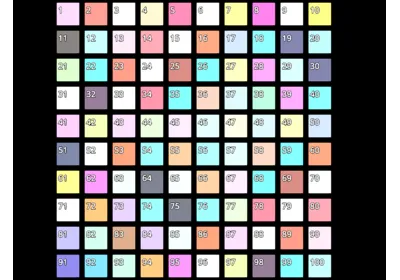
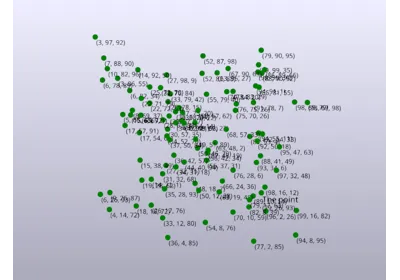
MultiTextobject manages a collection ofTextBlockobjects, for which the text (or markdown) can be individually set, and which can be individually positioned. Each text block has the same layout support as theTextobect.Most properties are defined by the text object, i.e. shared across all
TextBlockinstances of thatMultiTextobject. But this may change in the future to allow more flexibility.- set_text_block_count(n)
Set the number of text blocks to n.
Use this if you want to use text blocks directly and you know how many blocks you need beforehand. After this, get access to the blocks using
get_text_block().
- get_text_block_count()
Get how many text blocks this MultiText object has.
- create_text_block()
Create a text block and return it.
The text block count is increased by one.
- create_text_blocks(n)
Create n text blocks and return as a list.
The text block count is increased by n.
- get_text_block(index)
Get the TextBlock instance at the given index.
The block’s position is stored in
text_object.geometry.positions.data[index].