Serve browser examples locally.
Use gfx.show
Hello World
Render a Triangle
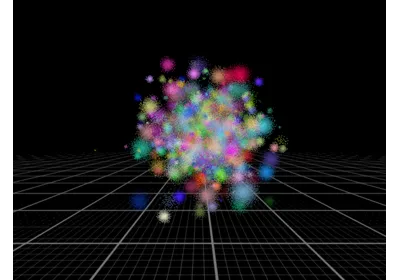
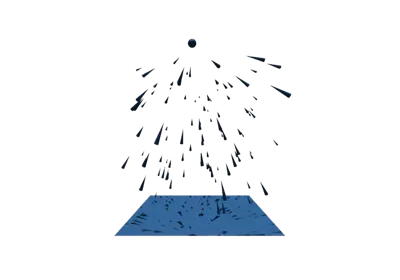
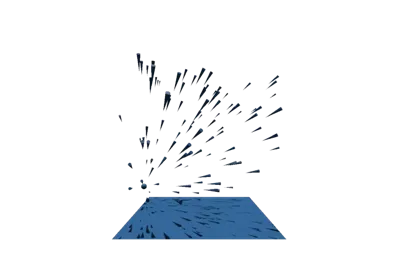
Rendering Points
Boundary Boxes
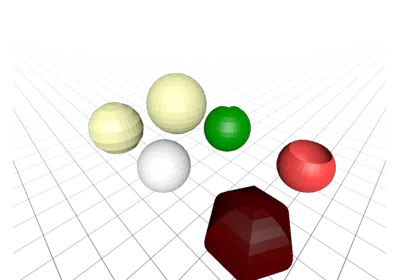
Lights
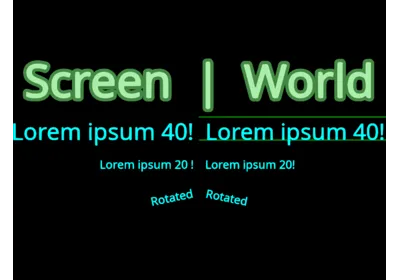
Hello text
Clipping Planes
Orbit Camera
Offscreen Rendering
Show STL File via gfx.show
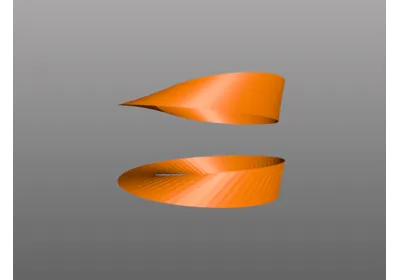
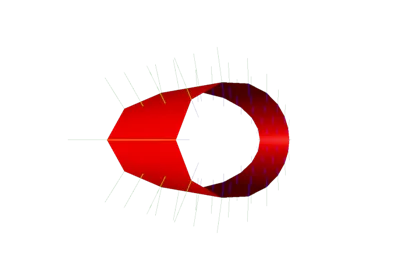
Möbius strip Geometry
Subdivision
Use gfx.show to show a Scene
Geometry Image
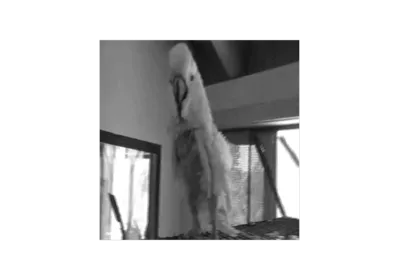
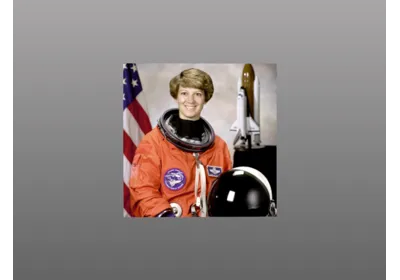
Show Image
Line Drawing Performance
Geometry Cubes
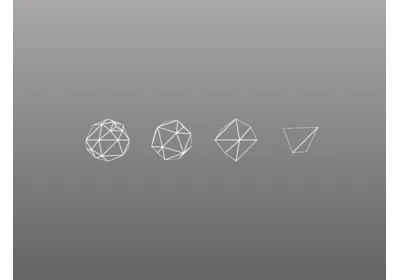
Rotating Polyhedra
Minip Volume Rendering
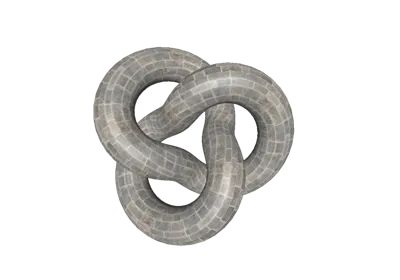
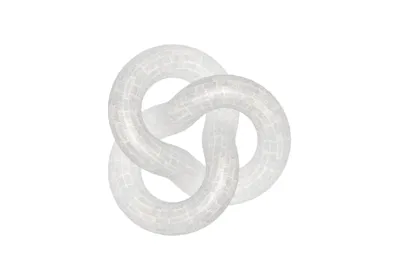
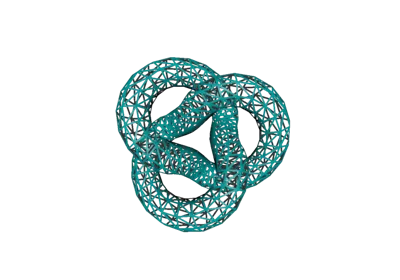
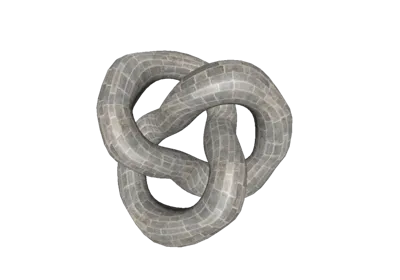
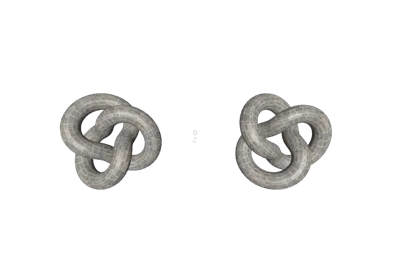
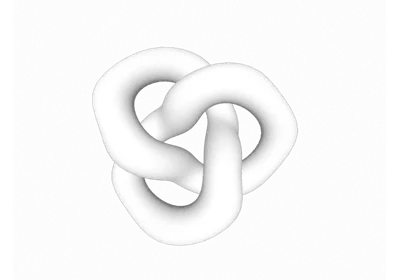
Torus knot
Mesh dynamic
Flat Shading
Line Segments
Isosurface Volume Rendering
Point Picking
Transform Control without Matrix Updating
Volume Slice 1
Simulating grass with point sprites
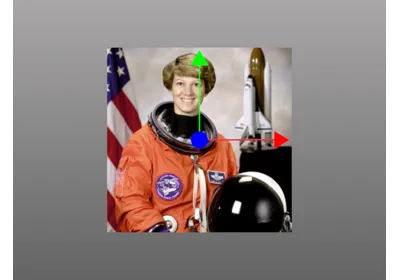
Gizmo to transform world objects
Geometry Plane
Toon Rendering 1
Bounding Box Coordinates
Wireframe 1
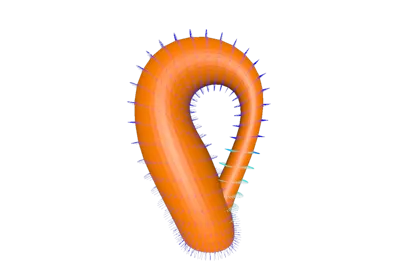
Klein Bottle Geometry
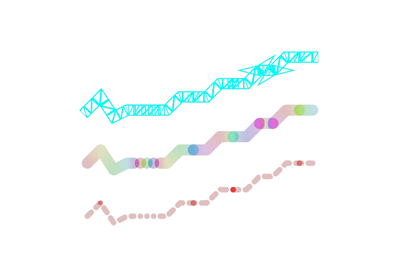
Thick Lines
Post processing effects 1
Volume Slice 2
Stats helper (Manual)
Measure distances in 2D
Wireframe 2
Use a Skybox
Volume Rendering 2
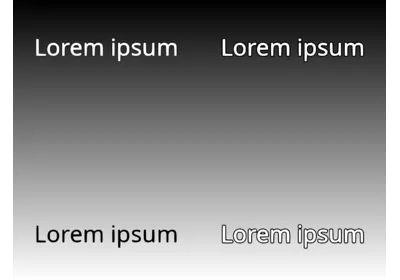
Text contrast
Volume Slice 3
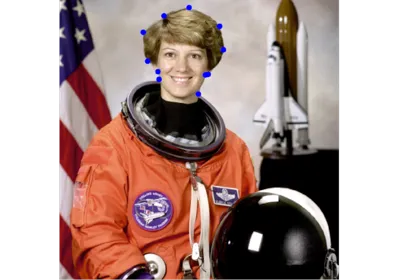
Image with Points Overlaid
Physical Color
Instancing
Synced Video Rendering
Fly controller
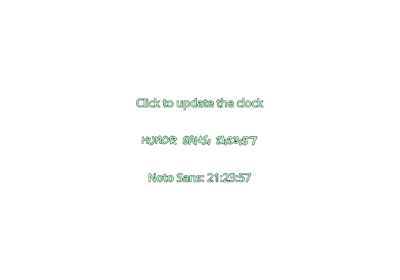
Multiple Fonts
Color Picking
Directional Shadow 1
Colormap Channels
Mesh Slice Material
Image with another image overlaid
Volume Rendering 1
Text multiple grid
Text multiple labels
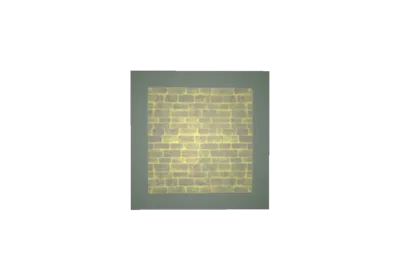
Displaying an image in a scene
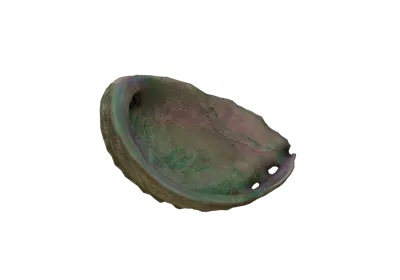
Iridescence Abalone
Paint to a texture
Paint to a texture directly
Scene Overlay
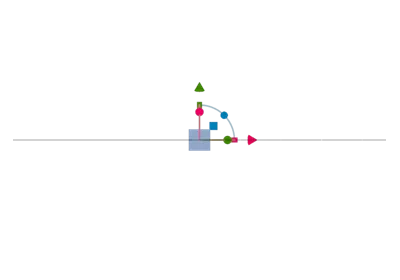
Look At
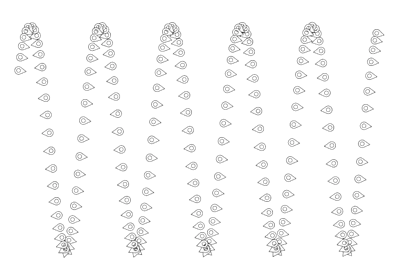
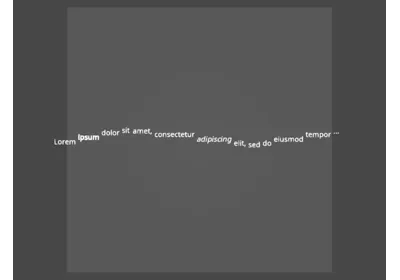
Text snake
Sphere Geometry
Panzoom Camera
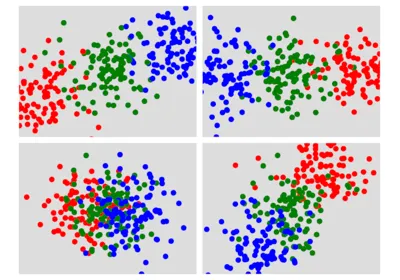
Subplots 1
Sheen Chair
Screen space normal reconstruction
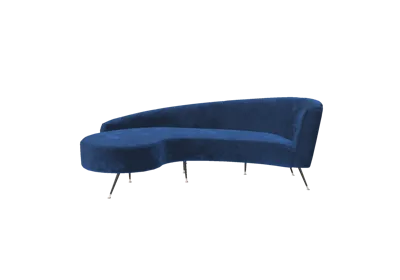
Glam Velvet Sofa
Wobbly Mesh
Nested Scenes
Measure distances in 3D
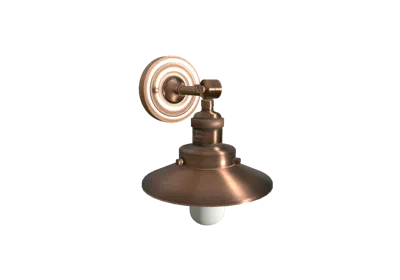
Anisotropy Barn Lamp
Post processing effects 2
PBR Rendering 1
Camera linking 2
Look At (Instanced Mesh)
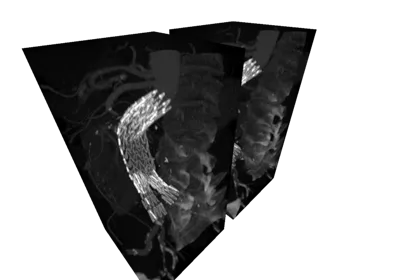
Mesh and Volume Slicing 2
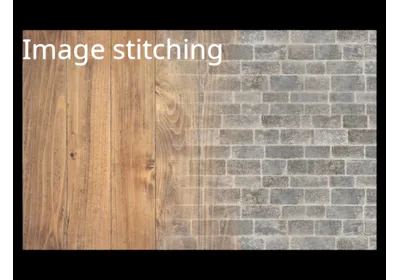
Image stitching
Clearcoat effect
Blending ordered2
Lightmap
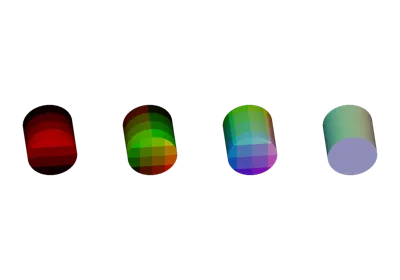
Types of Cylinders
Mesh Picking
Camera linking 1
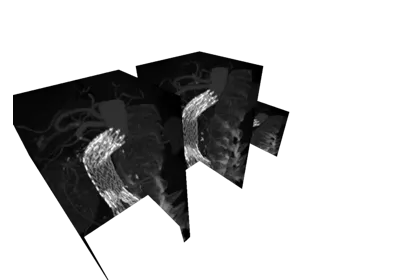
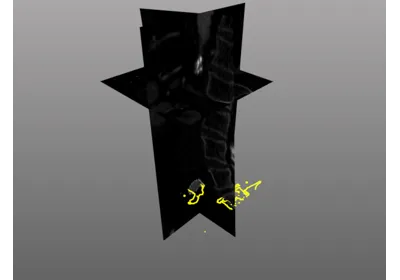
Volume and Mesh Slicing 1
Detached Bind Mode
Ambient occlusion
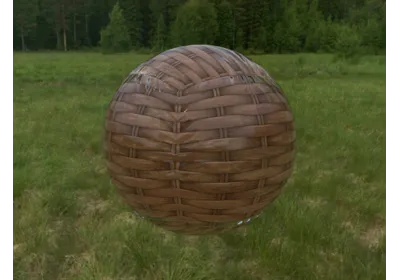
Dynamic Environment Map
Facecap animation with morph targets
Morph Targets
PBR Instanced Rendering
Minimal Custom Object
Image Click Events
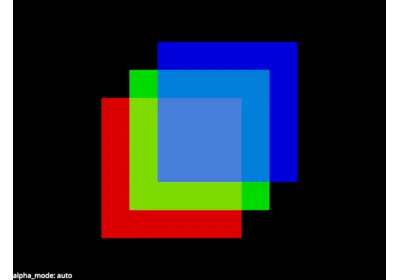
Transparency 1
Directional Shadow 2
Subplots 2
Colormap Image
Transparency 2
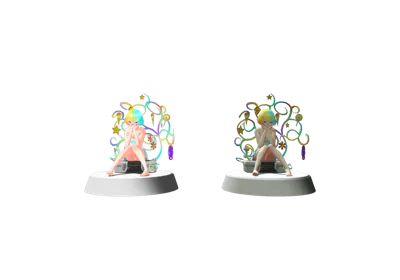
Iridescence
Labelled Image Grid
Subplots Video
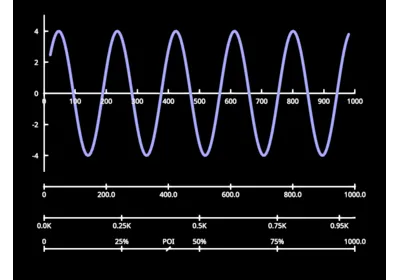
Line plot
PBR Rendering 2
Environment Map Effects
Text waterfall
Mesh with quads
Toon Rendering 2
Skinned Mesh
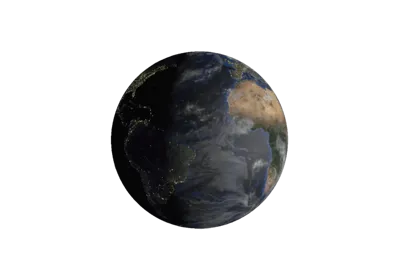
Earth
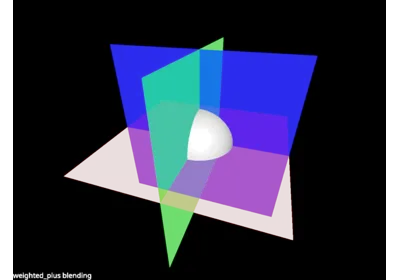
Blending weighted_plus
Map Screen to World
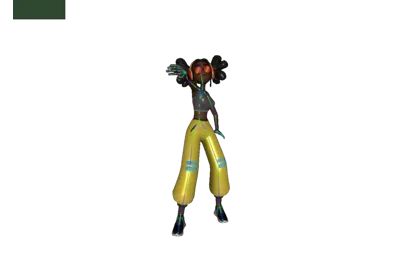
Skinning Animation
Line Drawing
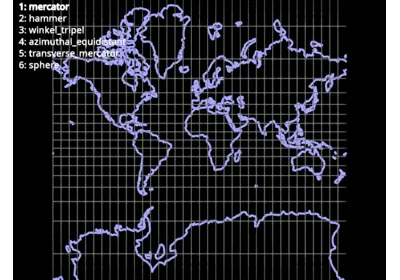
World map projection
Depth Material
Colormap Mesh
glTF Unlit Material Example
Simple Custom Object
Multi-Object Selection
Bloom Effect Demo
Spotlights
Physical Based Bloom Effect Demo
Custom Object
Spotlight Shadow
Animations with glTF
Wireframe Material
Text align
Point Markers with Multiple Colors
Big static text
Remote glTF Viewer
World map projections
Video YUV
Animation Mixer
Cloth Simulation with Compute Shaders
Audio Visualizer
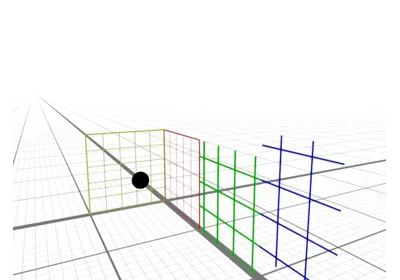
Axes Helper 1
Box Geometry
Validate transparency with and without bg
Axis Helper 2
Text outline always behind text itself
Volume Axis-Aligned, Rotated Camera
Additive Blending
Normals on front and back
Image on Plane Geometry
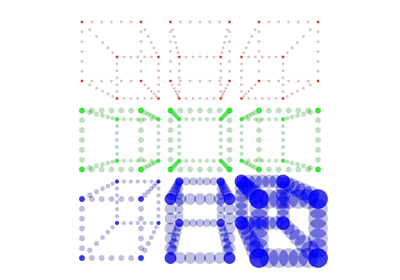
Points with different sizes
Reference Color
Depth Overlay 2
Lines with different thicknesses
Depth Overlay 1
Validate dither
Text anchor
Validate weighted
Validate image
Text direction
Validate volume slice
srgb texture colorspace
Text markdown formatting
Tiny Image Validation
Validate send_data
Validate transforms
Dashing
Line colormapping
Light and Shadow
Validate Skybox
Validate Colormap
Depth Clipping
Infinite line segments
Text alignment
Volume and Volume Slice Rendering
Validate ruler
NDC Coordinates
Text size
Validate the grid
Lines in 2D
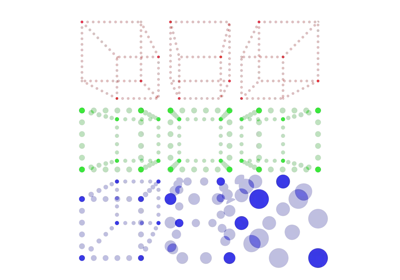
Points drawn with different size_space
Mesh Colormaps
Lines drawn with different thickness_space
Validate OutPass
Culling
Line loop
Validate ppaa
Validate view offset
Streamed image stitching
Points with different markers
Mesh slice
Note
The examples in this section are not rendered. Typically because they use a backend that is not available on the CI runner.
Showing CPU usage in the title bar
Simple Cube with WX
Simple Cube with Qt
GPU selection
Integrate Pygfx in Qt
Stanford Bunny mesh with Eye-Dome Lighting (EDL)
Two Canvases
Performance of drawing many Lines
Load Open3D Mesh
Load Open3D Pointcloud
Sponza Scene
Point cloud with Eye-Dome Lighting (EDL)
A Method to Subtract Background from an Image
Reactive rendering loop
High resolution screenshot
Interactive Segmentation with SAM2
A Tool to Compare Two Images of Identical Shapes
Image Histogram Analysis
Light Effects
Pytorch Integration
Gallery generated by Sphinx-Gallery