pygfx.geometries.sphere_geometry
- pygfx.geometries.sphere_geometry(radius=1, width_segments=32, height_segments=16, phi_start=0, phi_length=6.283185307179586, theta_start=0, theta_length=3.141592653589793)
Generate a sphere.
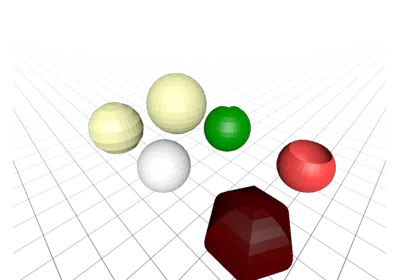
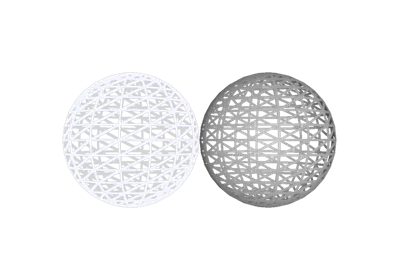
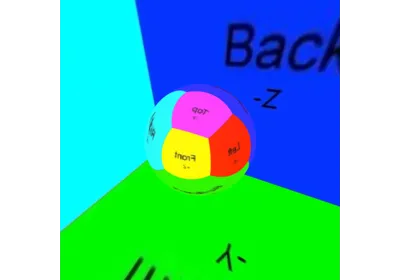
Creates a sphere that has its center in the local origin. The sphere is constructed by creating a grid of longituidnal and latitudinal lines and placing vetices at the intersections. The area between 4 vertices is then approximated by a rectangular-shaped face.
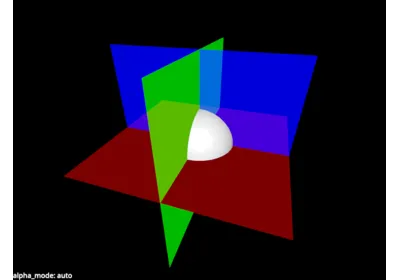
Optionally, the geometry can be limited to a segment of the full sphere described by a longituidnal and latitudinal arc.
- Parameters:
radius (float) – The radius of the sphere. Vertices are placed at this distance around the local origin.
width_segments (int) – The number of (evenly-spaced) longitudinal lines to draw within the selected sphere segment.
height_segments (int) – The number of (evenly-spaced) latitudinal lines to draw within the selected sphere segment.
phi_start (float) – The angle (in rad) at which to start the longitudinal lines. Zero means the first line is drawn in the xz-plane.
phi_length (float) – The central angle (in rad) of the sphere segments latitudinal segment.
theta_start (float) – The angle (in rad) at which to start the latitudinal lines. Zero means the first line is drawn at the “tip” of the sphere, i.e., at
(0, 0, radius).theta_length (float) – The central angle (in rad) of the sphere segment’s longitudinal segment.
- Returns:
sphere – A geometry object that represents the requested sphere or sphere segment. Mathematically, it is an open orientable manifold.
- Return type: