Note
Go to the end to download the full example code.
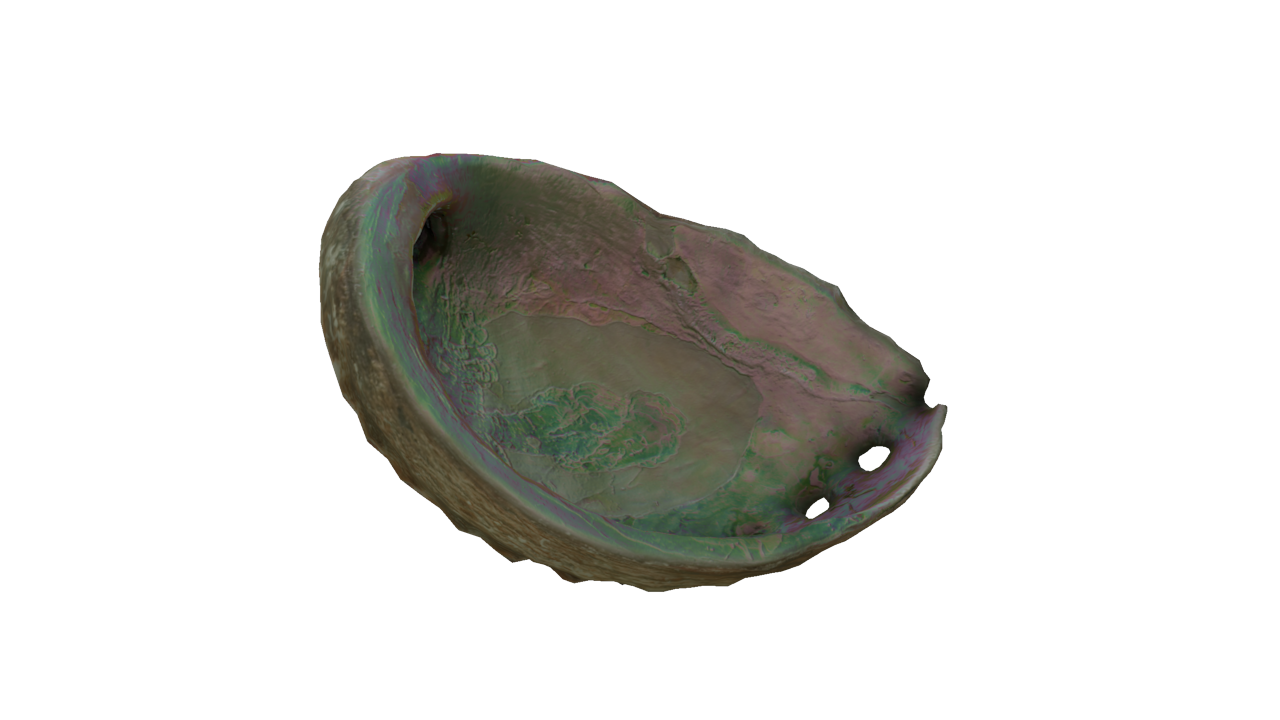
Iridescence Abalone
This example demonstrates iridescence on the abalone shell.
/home/docs/checkouts/readthedocs.org/user_builds/pygfx/checkouts/1273/examples/feature_demo/iridescence.py:23: DeprecationWarning: Setting the shape on a NumPy array has been deprecated in NumPy 2.5.
As an alternative, you can create a new view using np.reshape (with copy=False if needed).
  env_img.shape = 6, cube_size, cube_size, env_img.shape[-1]
import imageio.v3 as iio
from rendercanvas.auto import RenderCanvas, loop
import pygfx as gfx

# Init
canvas = RenderCanvas(size=(1280, 720), title="Iridescence")
renderer = gfx.renderers.WgpuRenderer(canvas)
scene = gfx.Scene()

# Read cube image and turn it into a 3D image (a 4d array)
env_img = iio.imread("imageio:meadow_cube.jpg")
cube_size = env_img.shape[1]
env_img.shape = 6, cube_size, cube_size, env_img.shape[-1]

# Create environment map
env_tex = gfx.Texture(
    env_img, dim=2, size=(cube_size, cube_size, 6), generate_mipmaps=True
)

gltf_path = "https://raw.githubusercontent.com/KhronosGroup/glTF-Sample-Assets/main/Models/IridescenceAbalone/glTF-Binary/IridescenceAbalone.glb"

gltf = gfx.load_gltf(gltf_path)

# gfx.print_scene_graph(gltf.scene)  # Uncomment to see the tree structure
scene.add(gltf.scene)


def add_env_map(obj):
    if isinstance(obj, gfx.Mesh) and isinstance(obj.material, gfx.MeshStandardMaterial):
        obj.material.env_map = env_tex


gltf.scene.traverse(add_env_map)

scene.add(gfx.AmbientLight(intensity=0.1))

# Create camera and controller
camera = gfx.PerspectiveCamera(45, 640 / 480)
camera.show_object(gltf.scene, view_dir=(1.8, -0.6, -2.7))
controller = gfx.OrbitController(camera, register_events=renderer)


def animate():
    renderer.render(scene, camera)
    canvas.request_draw()


if __name__ == "__main__":
    renderer.request_draw(animate)
    loop.run()
Total running time of the script: (0 minutes 3.620 seconds)
Gallery generated by Sphinx-Gallery
Interactive example
Try this example in your browser using Pyodide. Might not work with all examples and all devices. Check the output and your browser’s console for details.