Note
Go to the end to download the full example code.
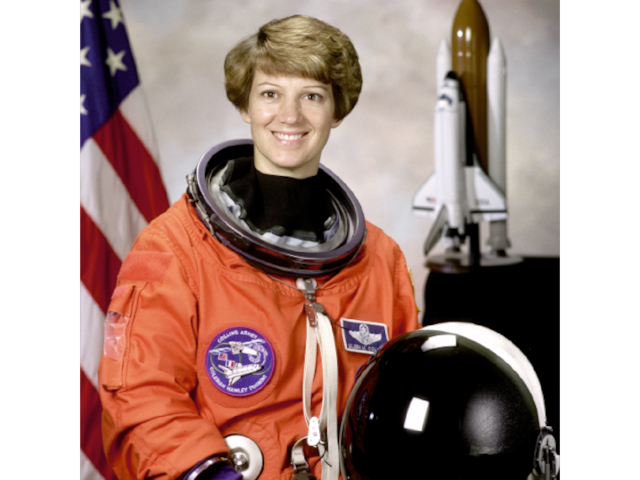
Show Image
Use camera.show_object to ensure the Image is in view.
import imageio.v3 as iio
from rendercanvas.auto import RenderCanvas, loop
import pygfx as gfx


canvas = RenderCanvas()
renderer = gfx.renderers.WgpuRenderer(canvas)
scene = gfx.Scene()

im = iio.imread("imageio:astronaut.png")

image = gfx.Image(
    gfx.Geometry(grid=gfx.Texture(im, dim=2)),
    gfx.ImageBasicMaterial(clim=(0, 255)),
)
scene.add(image)

camera = gfx.OrthographicCamera(512, 512)
camera.show_object(scene, match_aspect=True)
camera.local.scale_y = -1


def animate():
    renderer.render(scene, camera)
    canvas.request_draw()


if __name__ == "__main__":
    canvas.request_draw(animate)
    loop.run()
Total running time of the script: (0 minutes 0.323 seconds)
Gallery generated by Sphinx-Gallery
Interactive example
Try this example in your browser using Pyodide. Might not work with all examples and all devices. Check the output and your browser’s console for details.