Note
Go to the end to download the full example code.
Point Picking
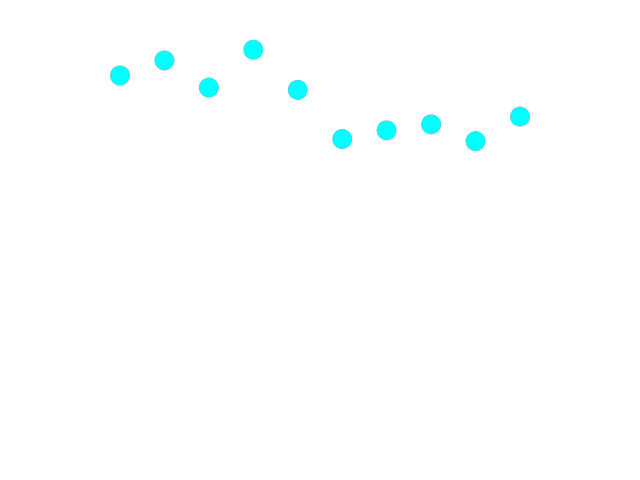
Example showing picking points. When clicking on a point, it’s location is changed. With a small change, a line is shown instead.
import numpy as np
from rendercanvas.auto import RenderCanvas, loop
import pygfx as gfx


canvas = RenderCanvas()
renderer = gfx.renderers.WgpuRenderer(canvas)
scene = gfx.Scene()

xx = np.linspace(-50, 50, 10)
yy = np.random.uniform(20, 50, 10)
geometry = gfx.Geometry(positions=[(x, y, 0) for x, y in zip(xx, yy, strict=True)])
ob = gfx.Points(
    geometry, gfx.PointsMaterial(color=(0, 1, 1, 1), size=20, pick_write=True)
)
scene.add(ob)

camera = gfx.OrthographicCamera(120, 120)


@ob.add_event_handler("pointer_down")
def offset_point(event):
    info = event.pick_info
    if "vertex_index" in info:
        i = round(info["vertex_index"])
        geometry.positions.data[i, 1] *= -1
        geometry.positions.update_range(i)
        canvas.request_draw()


if __name__ == "__main__":
    canvas.request_draw(lambda: renderer.render(scene, camera))
    loop.run()
Total running time of the script: (0 minutes 0.236 seconds)
Gallery generated by Sphinx-Gallery
Interactive example
Try this example in your browser using Pyodide. Might not work with all examples and all devices. Check the output and your browser’s console for details.